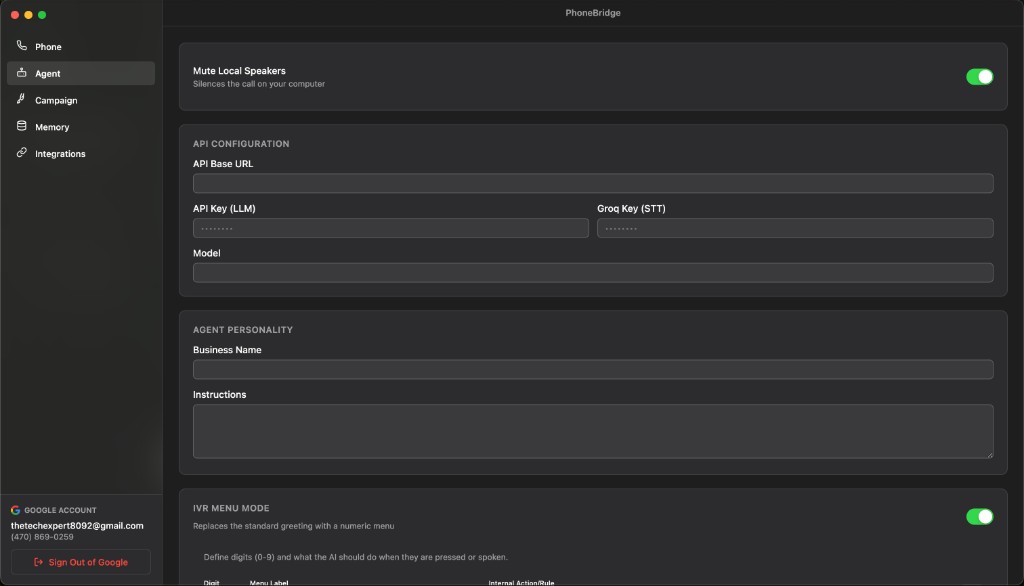
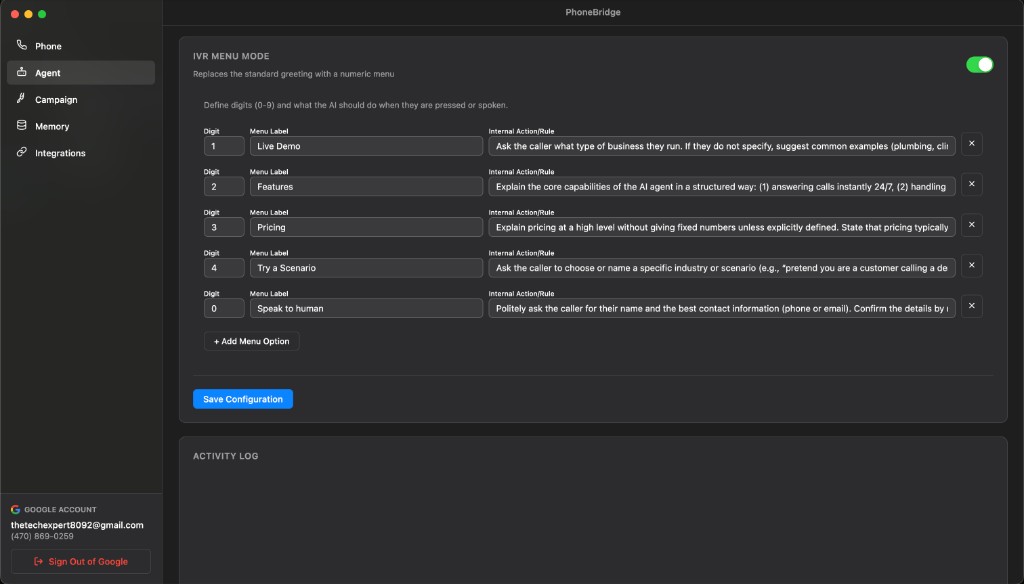
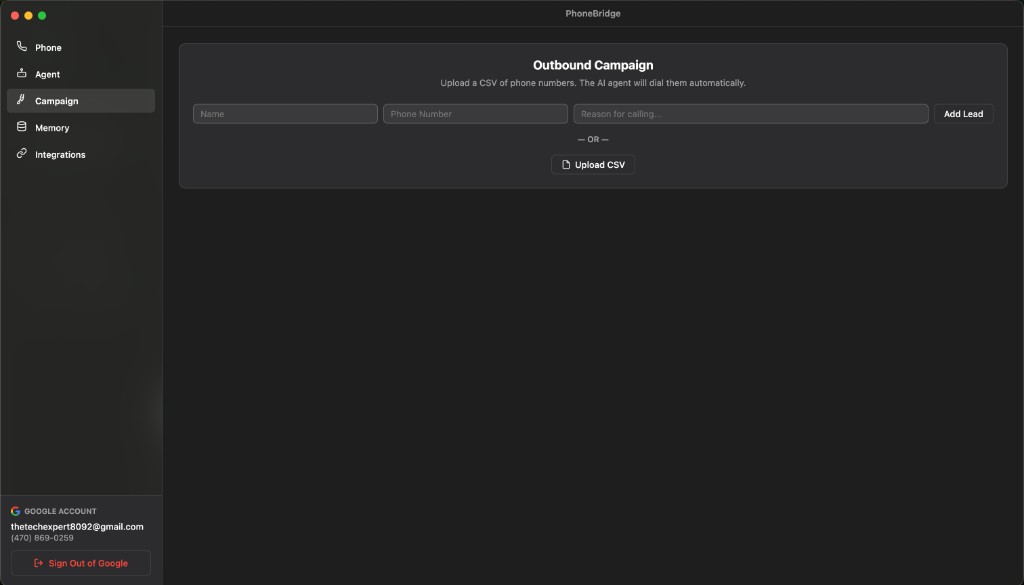
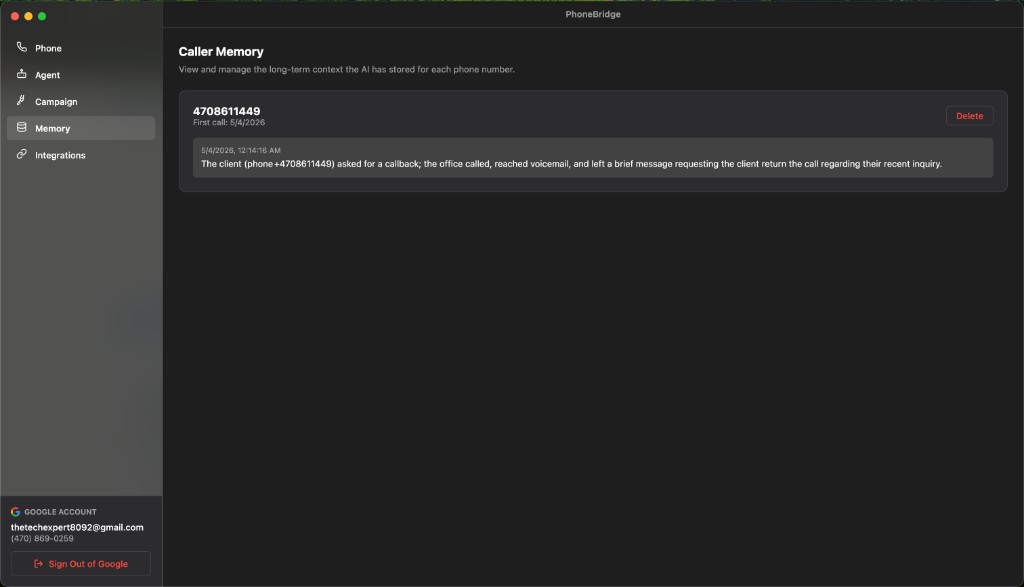
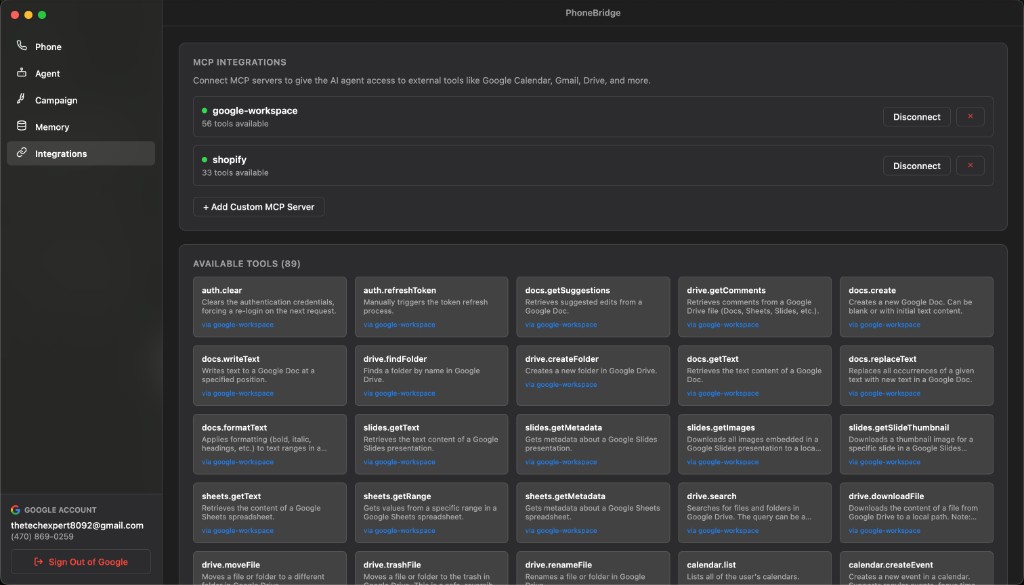
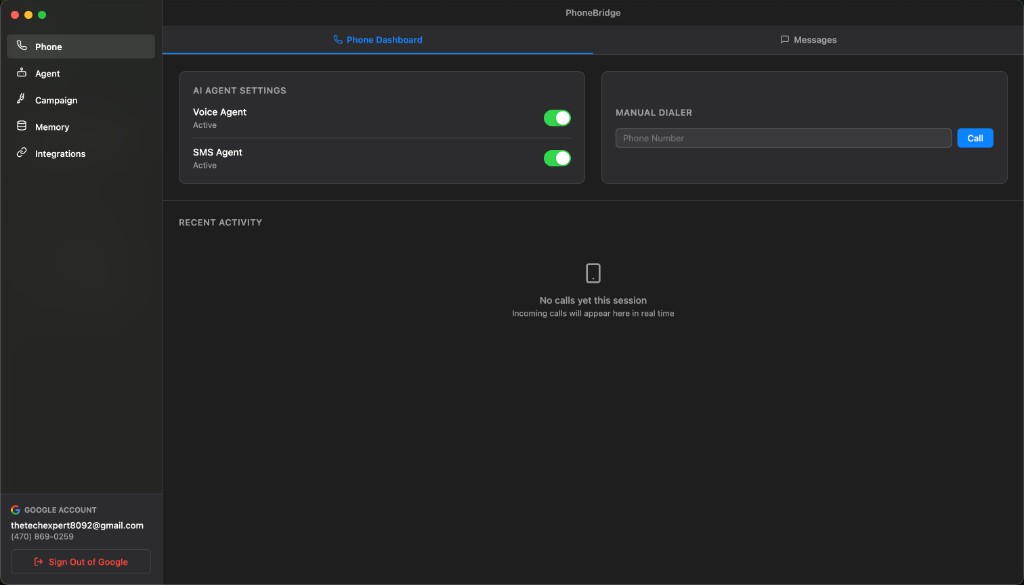
Phone dashboard
Your command center for Google Voice — calls, messages, and live AI activity.
Google Voice built in
Sign in with your Google account and use your existing Google Voice number. No new carrier or phone contract.
- One-click Google sign-in (setup wizard or dashboard)
- Connection status while Google Voice loads
- Sidebar shows Google email and Voice number
- Sign out of Google Voice from the app
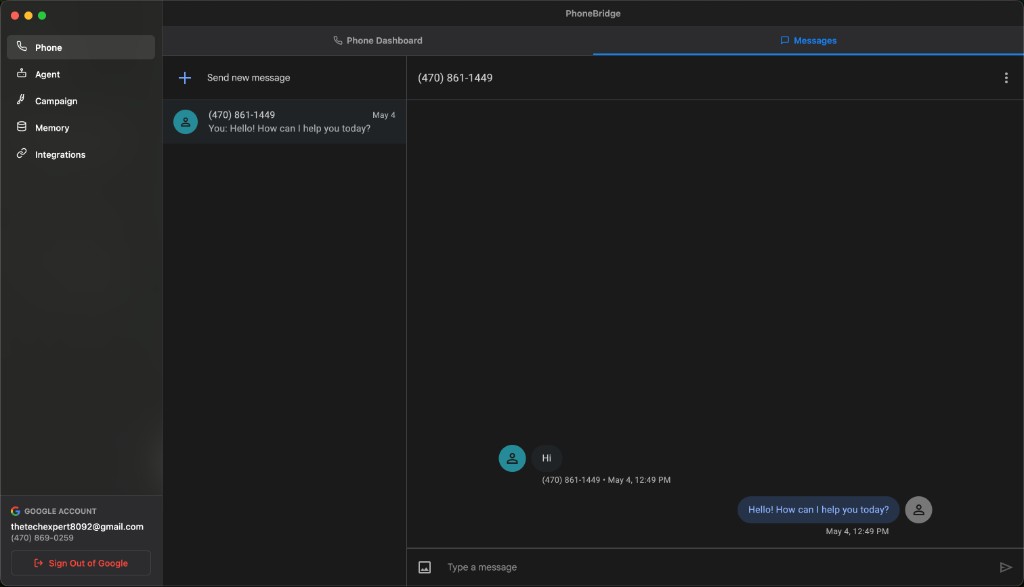
Messages tab
Switch to Messages to use embedded Google Voice texting in the same window. With the SMS Agent on, PhoneBridge can auto-reply to incoming texts.
- Phone Dashboard vs Messages sub-tabs
- Native Google Voice message threads in-app
- Works with SMS Agent toggle on the Phone tab
Voice & SMS agents
Turn the AI receptionist on or off independently for calls and for text messages — right from the dashboard.
- Voice Agent toggle (on/off)
- SMS Agent toggle (on/off)
- See active status at a glance
Manual dialer
Place outbound calls yourself from the same window — type a number and tap Call without leaving PhoneBridge.
Recent activity & call history
Every session is logged. Expand past calls to read full transcripts, duration, and timestamps. History persists between app restarts.
- Live recent activity feed
- Expandable call records with transcripts
- Persisted call history (last 50 calls)
- Clear history when you want a fresh log
- Time-ago labels (e.g. “5m ago”, “2h ago”)
Live call transcripts
During an active call, see the conversation stream in real time — labeled as Caller or AI Agent — so you always know who said what.
Human handoff
Click Take Over to jump into any live call instantly. Microphone access is requested during setup so you can speak when it matters.
- One-click takeover from AI to you
- “You’re Speaking” indicator after handoff
- Call timer while connected
- Filter live transcripts by phone number
- Phone nav shows a live-call indicator during calls